Zero Visibility
You can't see daily progress, so you end up guessing.
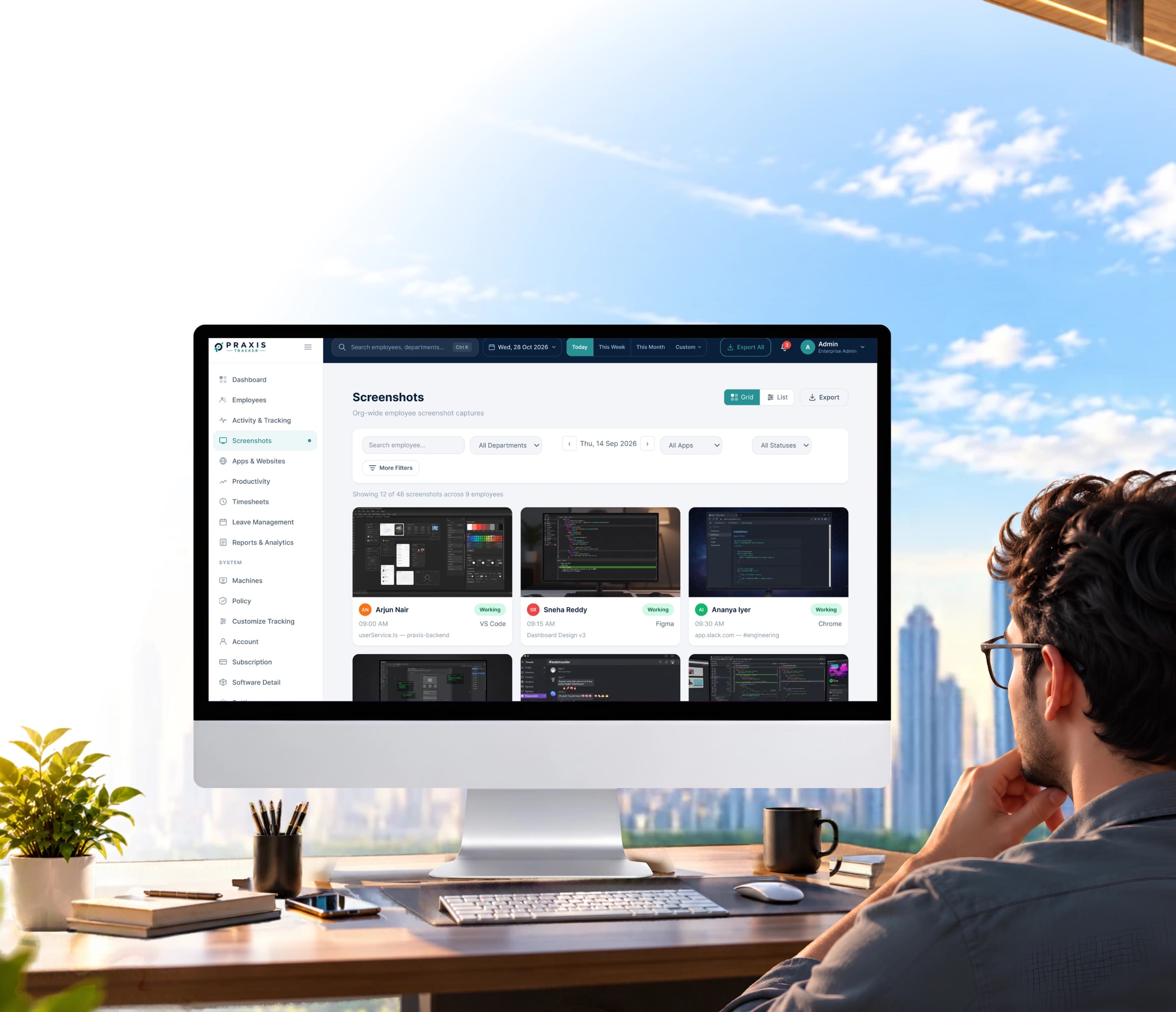
Praxis captures a timestamped screenshot at the interval you set, with the app and activity level beside it. It is screenshot monitoring software that lets you check on progress without constant check-ins.
Org-wide employee screenshot captures.
Your team is spread across homes, cities, and client sites. Updates tell you what people did and what is pending. You don't want to micromanage, but you still need clear visibility.
You can't see daily progress, so you end up guessing.
Daily check-in calls waste everyone's time.
Stuck work stays hidden until deadlines are missed.
Asking for proof of work feels like micro-managing.
Praxis works as employee screenshot software only when the company switches it on. This also tells employees what is captured before it begins.
Pick how often images are taken, team by team.
App, time, and activity sit beside every image.
Capture on chosen terms for sensitive projects.
Skim a morning in a minute, not an hour.
Good controls are simple enough to set up in one sitting. These are the four most managers start with.
You're told what is captured and why.
Protect banking, email, and chat.
Keep non-work tools out of capture.
Delete old images automatically.
Employers remain responsible for lawful use. Praxis provides an employee notice template on request.
Remote work verification
A remote screen monitoring software captures and confirms work.
Project tracking
Visual context shows what filled each billable block.
Client reporting
Evidence is ready the moment a client asks.
“Clients used to question our hours. Now we can show the work behind every line on the invoice, and disputes basically disappeared.”
Try screenshot monitoring on your own team with a free trial.
Get a personalized demo or start your free trial and see how Praxis Tracker brings clarity, accountability, and productivity to your team.
Prefer to talk to our team?
Fill in a few details and get started in minutes.